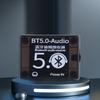
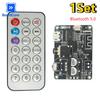
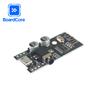
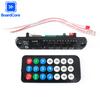
Product Parameters
Power supply: 3.7-5V
Signal to noise ratio: 90DB
Total harmonic distortion+noise: -70DB
Crosstalk: -86DB
Support configuration files: A2DP/AVCTP/AVDTP/AVRCP/HFP
Transmission distance: 15M (open space without partition walls)
Decoding format: WAV+APE+FLAC+MP3 lossless decoding, stereo output
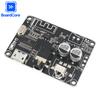
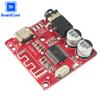
Detailed Interface Description
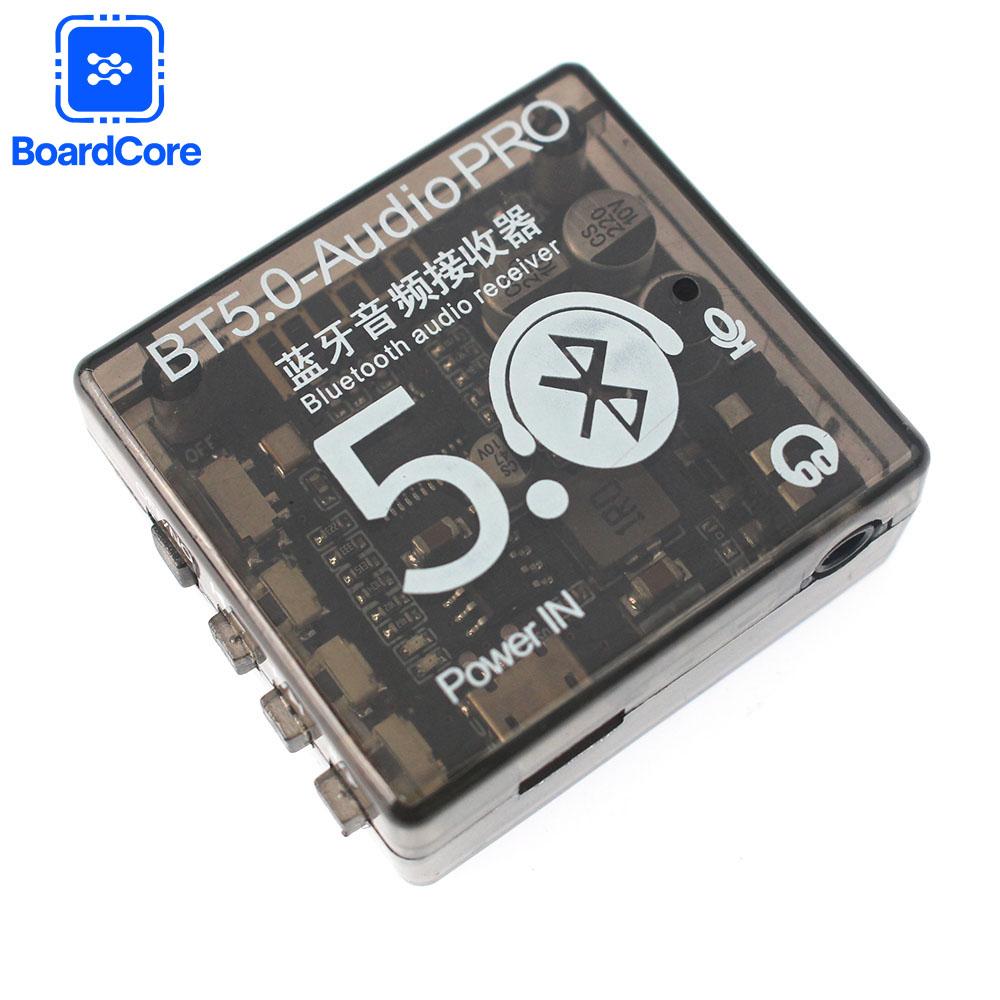
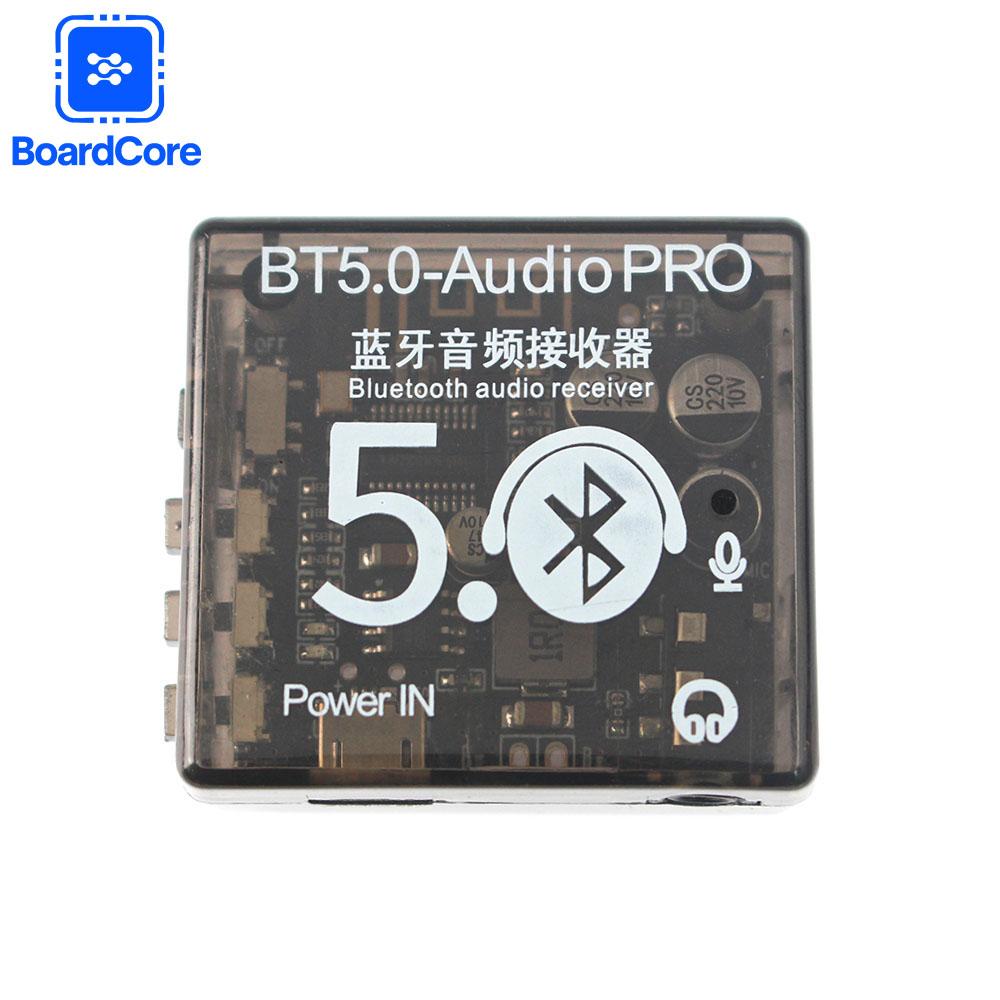
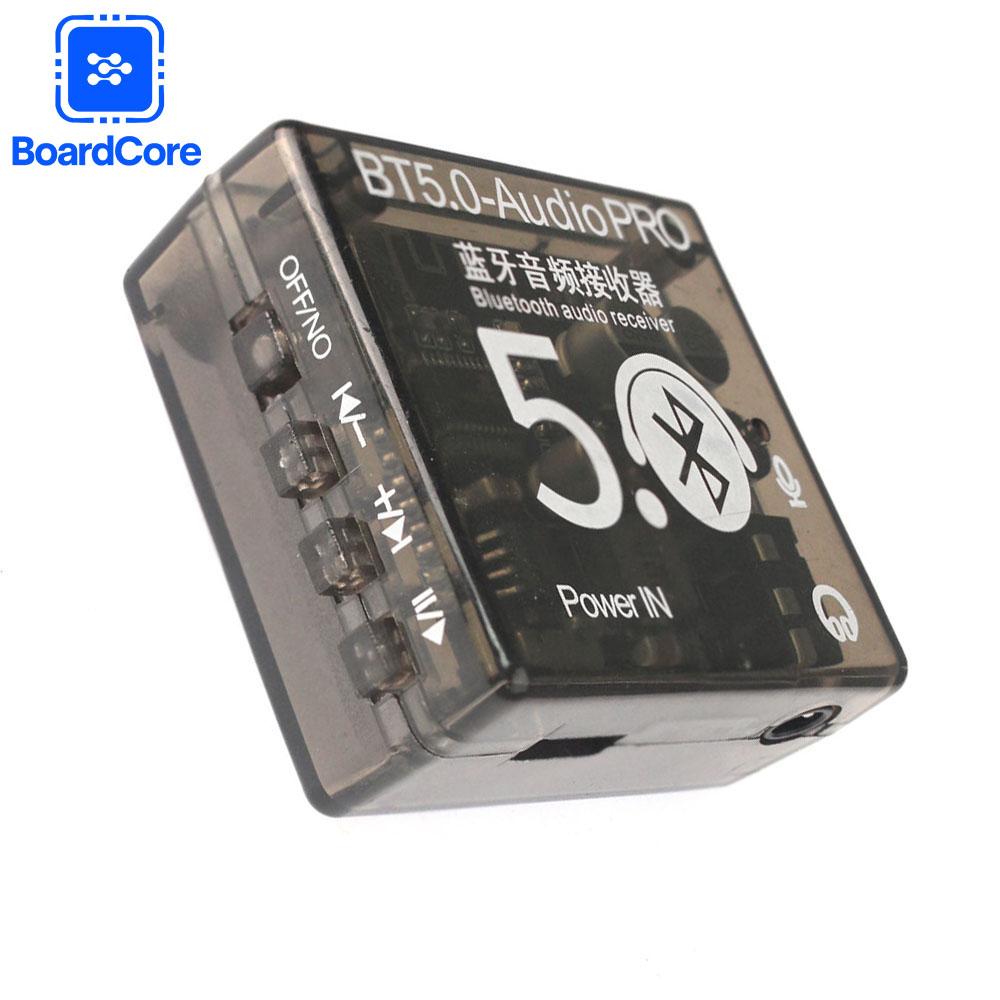
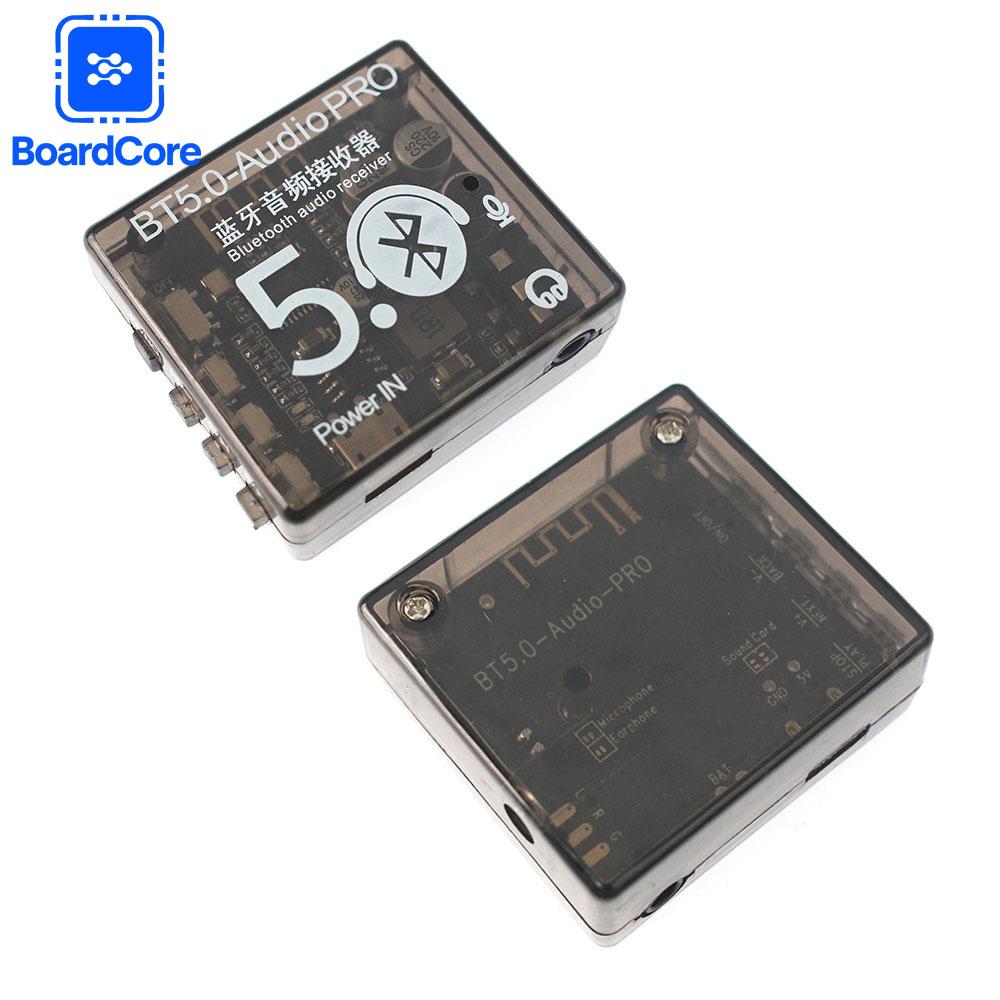
USB power supply: Universal Micro USB 5V power supply
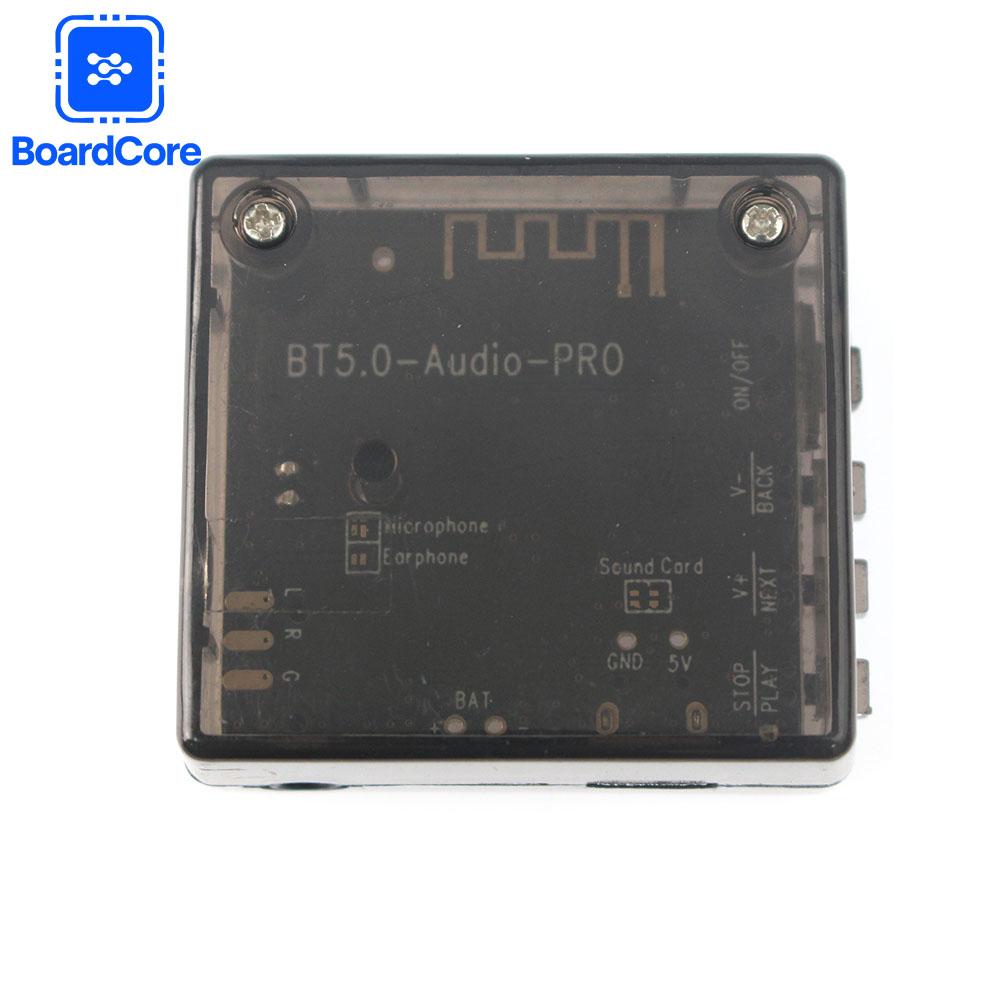
3.7-5V power supply pad: realize external 3.7-5V lithium battery power supply modification
LED indicator light: Bluetooth mode blue light on continuously
3.5mm Stereo Audio Interface: Standard 3.5mm interface, outputs stereo audio source, can be plugged into headphones, connected to amplifiers and other devices
BT5.0 AudioPR0 continues BT5.0 Audio
Excellent basic functions (long-distance transmission, Bluetooth 5.0)
Compatibility, lossless sound quality, etc.), and added more people
Sexual performance, as follows
Charge and release simultaneously:
This product has a circuit for charging and discharging at the same time, which can be powered by a USB power supply. This product has a circuit for charging
and discharging at the same time, which can be powered by a USB power supply to truly achieve the function of charging and discharging at the same time.
Solved the pain point of not being able to use some products during the charging process.
When powered solely by USB: the red light flashes, indicating normal power supply.
When powered by a single battery: the yellow light is constantly on, indicating that the battery is supplying power normally; The yellow light flashes, indicating low battery level.
When USB and battery are connected simultaneously: a flashing red light indicates that the battery is charging; The constant red light indicates that the battery is fully charged.
(Note that if the USB input is suddenly disconnected during the charging and discharging process, there will be a few seconds of interruption due to the
switching of charging and discharging modes. After that, Bluetooth will automatically restart, connect and maintain the previous playback state.)
Incoming voice call function:
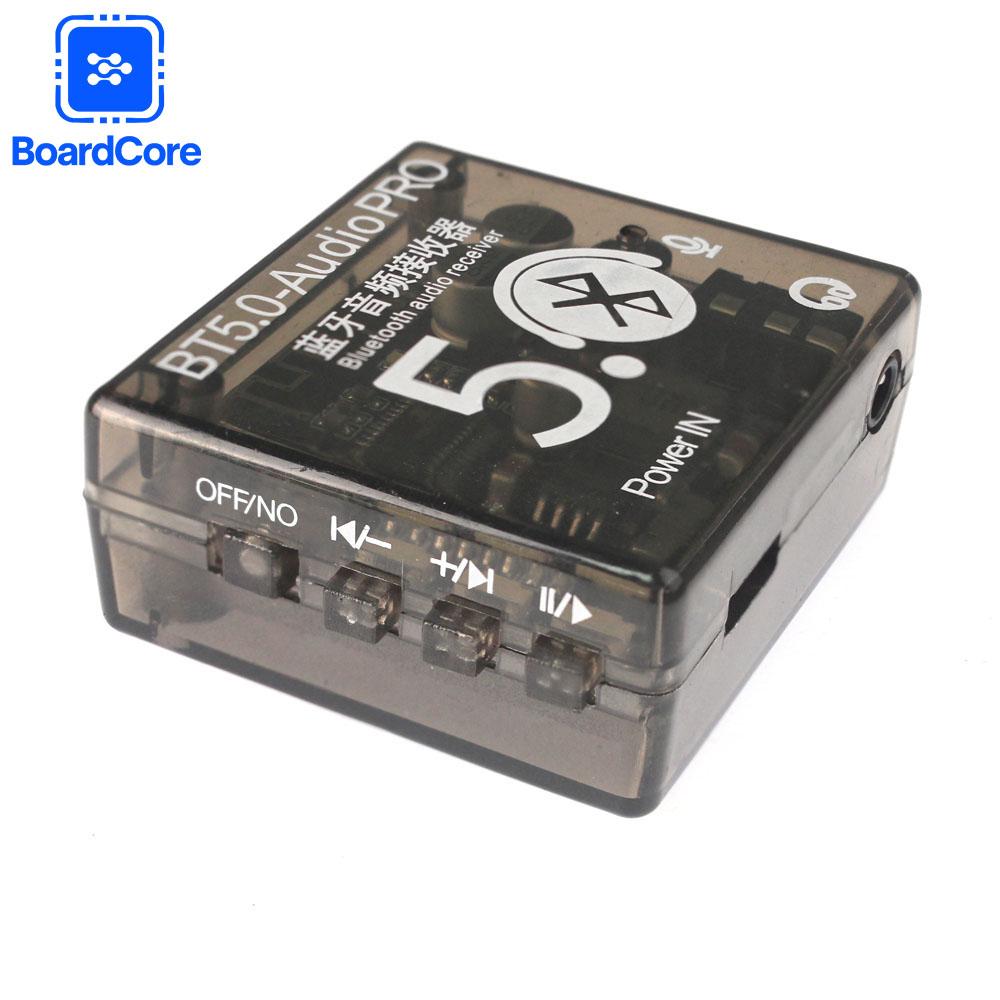
After connecting the Bluetooth, turn on the call audio mode in the Bluetooth settings. If the phone calls, you can answer or hang up the call through the PLAY/STOP button.
You can choose to use the microphone of the original headphones for voice transmission (provided that the headphones have call function and are 4-stage) or use the
onboard microphone for voice transmission (default)
When using a computer sound card:
Tin the solder pads in the two boxes corresponding to the SoundCard on the back of the module, and connect them to the computer USB interface through
a USB cable to use as a sound card. The sound played by the computer is output through the audio interface of the module. (Not enabled by default)